
Here is a guide on how to get Colored Nametag in Call of Duty®: Modern Warfare® II.
Quick Guide
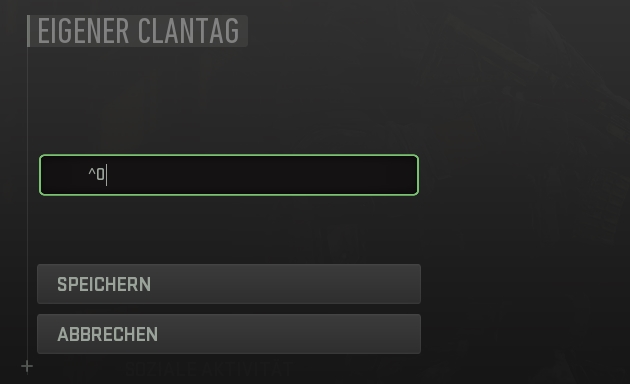
Step 1: Open the menu “EDIT CLAN TAG” [in german “EIGENER CLANTAG”]
Step 2: Enter the appropriate command for your color in the blank space for the clan tag, see below.
Step 2: Enter the appropriate command for your color in the blank space for the clan tag, see below.
Command List
Red Nametag
Command: ^1
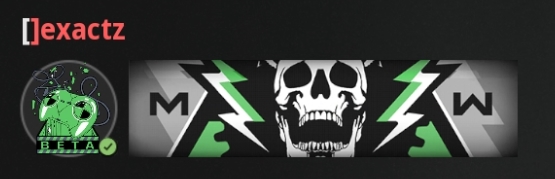
Green Nametag
Command: ^2
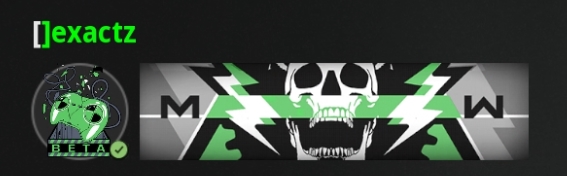
Yellow Nametag
Command: ^3
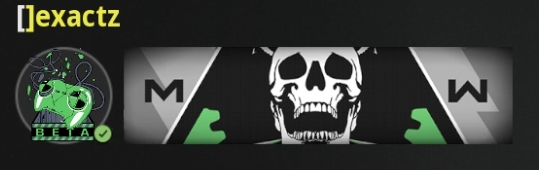
Dark Blue Nametag
Command: ^4
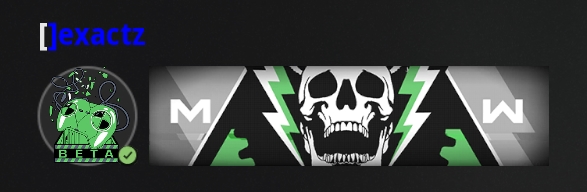
Pink nametag:
Command: ^6
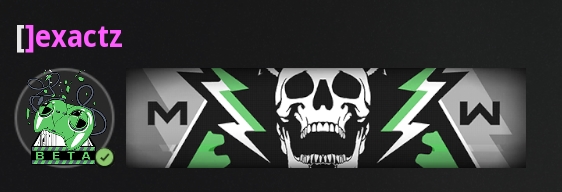
White Nametag:
Command: ^7
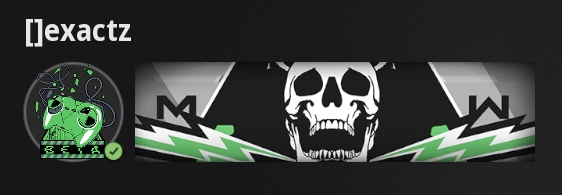
Light blue nametag:
Command: ^8
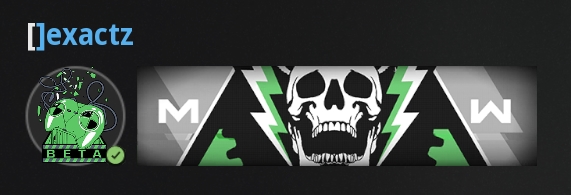
Black Nametag:
Command: ^9
More Guides:
- Call of Duty Modern Warfare II: Weapon Camo Challenges
- Call of Duty Modern Warfare II: The Real Names for All Weapons In-game
- Call of Duty Modern Warfare II: Achievement Guide + Safe Locations and Codes


