
I put together this guide to cover all 29 achievements in Deleted Wiki: Clean Up the Lost Files. That includes the hidden ones and the few that gave me the most trouble. Whether you are just starting the deletion log or chasing the last few unlocks, it should all be here.
Progression Achievements
These unlock as you work through the deletion log and restore the wiki. They come naturally as you play, so you mostly just need to keep sorting and restoring until the numbers hit the right marks.
| Achievement | Requirement |
|---|---|
| Stub | Process 1% of the deletion log. |
| Start-Class | Process 10% of the deletion log. |
| C-Class | Process 25% of the deletion log. |
| B-Class | Process 50% of the deletion log. |
| Good Article | Process 75% of the deletion log. |
| Featured Article | Empty the deletion log completely. |
| Category:Restored | Fully restore one category folder. |
| Rollback Rights | Fully restore four category folders. |
| Sysop | Fully restore all seven category folders. |
| I am become Janitor | Organize the last item deleted by the vandal. |
| More Tidying | Empty the wiki after beating the game. |
Sorting Achievements
This set is all about sorting entries correctly and efficiently. The tricky part is the streak requirements, because one mistake resets your run. I found it easier to slow down and read carefully first, then build up speed once I knew the patterns.
| Achievement | Requirement |
|---|---|
| Twenty-Five Consecutive Edits | Sort 25 entries in a row into the correct Sub-Folder without making a mistake. |
| No Rollbacks Needed | Sort 100 entries correctly without a single misfile. |
| Recognized on Sight | Sort 50 entries in a row without stopping to read them. |
| The Hard Way | Restore a Category Folder with neither PlacementCheck nor FolderSort installed. |
Userscript Achievements
These revolve around installing and upgrading userscripts. If you have not touched the userscript system yet, start early so the upgrades have time to stack up.
- // ==UserScript== — Install your first userscript.
- Hackerman — Install every userscript and upgrade each one to its highest version.
- Completion Points Well Spent — Install a userscript that can only be purchased with Completion Points.
Hidden and Missable Achievements
Most of these come down to checking every corner of the in-game wiki and browser. Keep an eye on your talk page as you restore the wiki, because new messages and story details show up as you get further in. I missed a couple of these on my first pass simply because I was focused only on the deletion log.
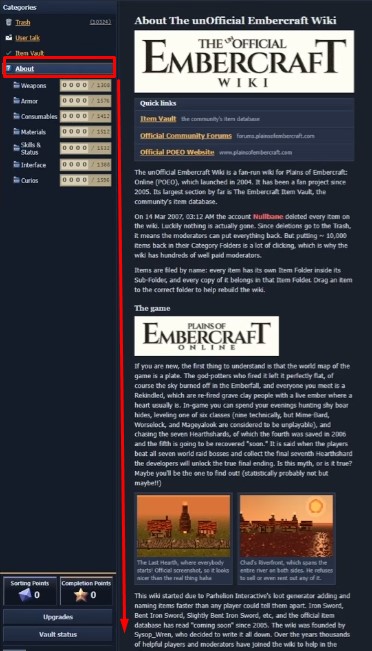
- You Have: 0 New Messages — Open your User Talk page and read every message on it. Check back as you progress through the game, since additional messages appear during the story.
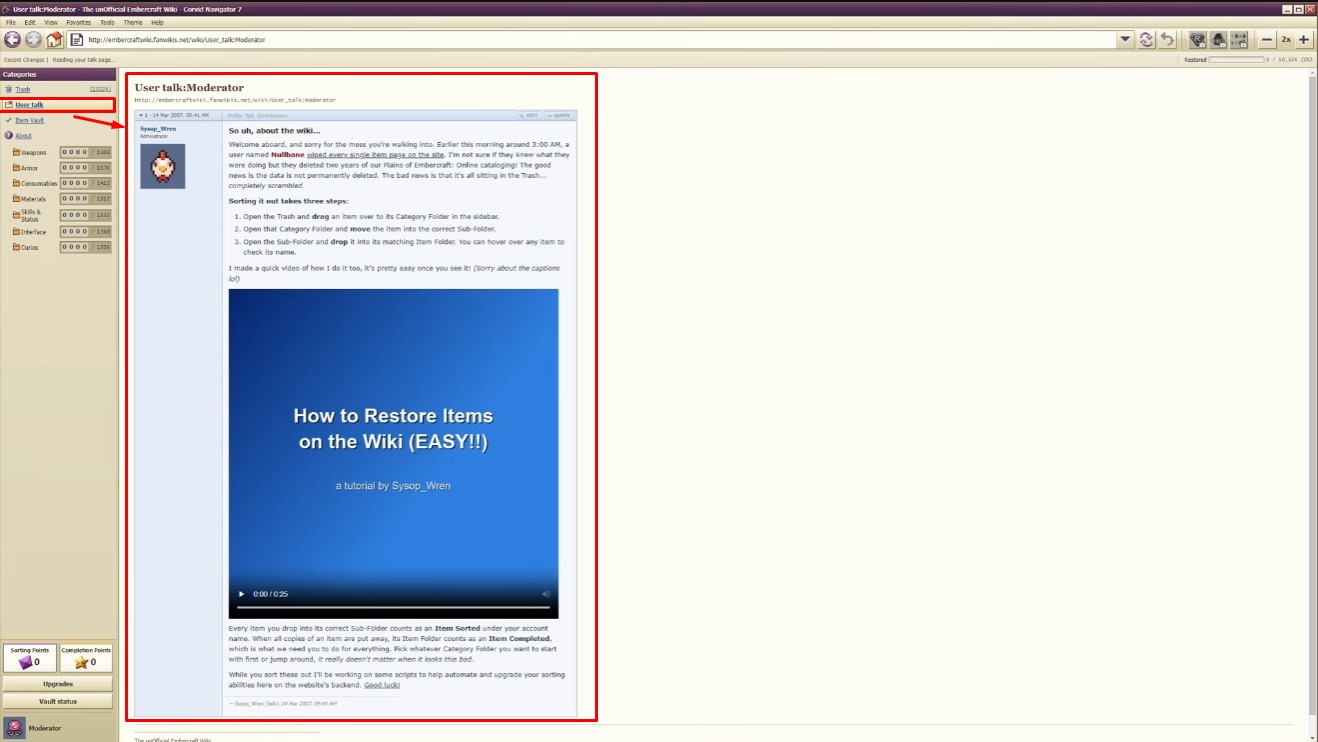
- Anything but more sorting… — Open the wiki’s About page and scroll all the way to the bottom. Make sure you reach the end of the page.
- The… UnDeleted Wiki? — Find the one wiki page that survived the wipe. Explore the wiki itself instead of only the deletion log. For me, I had to click help at the top, then about, then Tanager at the bottom in the credits.
- Subscribed — Read every issue of the newsletter. Check the links and content available through the wiki and your talk page. Open each issue rather than only reading the message announcing it.
- Well Read — Read every featured article. Explore the wiki’s featured articles and open each one. Keep checking as more of the wiki gets restored.
- Your Account Is Now Verified — A scam post about an Account suspension notice has a link you can click. Write anything you want in all the boxes, then click the verify my account button.
- Rookery Build — Open the in-game browser’s About box. Look through the browser’s menus for an About option.
- What is this thing?? — Choose an item and try dropping it into six incorrect Sub-Folders before finally placing it in the correct one. Make sure all six attempts are wrong before sorting it correctly.
- Founders — After finishing nullbane mode and editing the homepage, there is another box you can edit at the bottom. Enter Robin into the input field at the bottom of the page to unlock this one.
Founders Step-by-Step
Because this one tripped me up, here is exactly how it goes. The original guide uses screenshots for each step, which I have noted below.
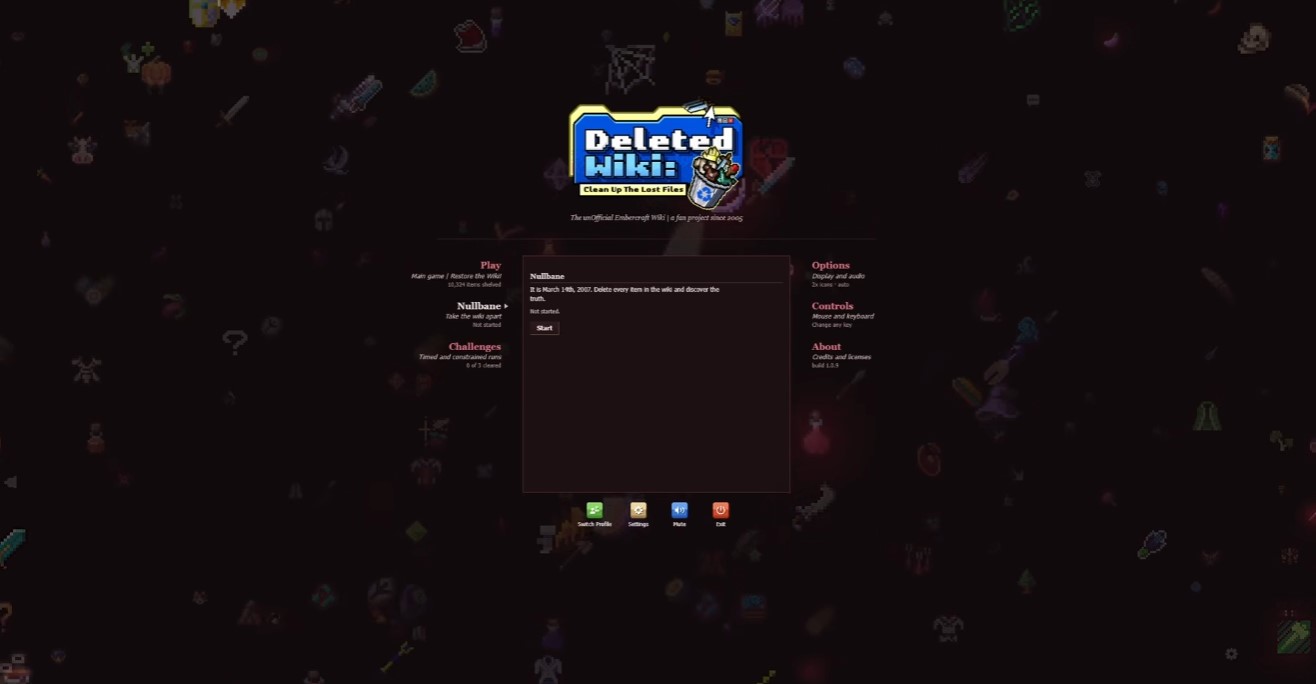
- Finish nullbane. The game loads afterward.
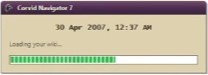
- Once that is done, you get the option to edit the homepage. Click it.
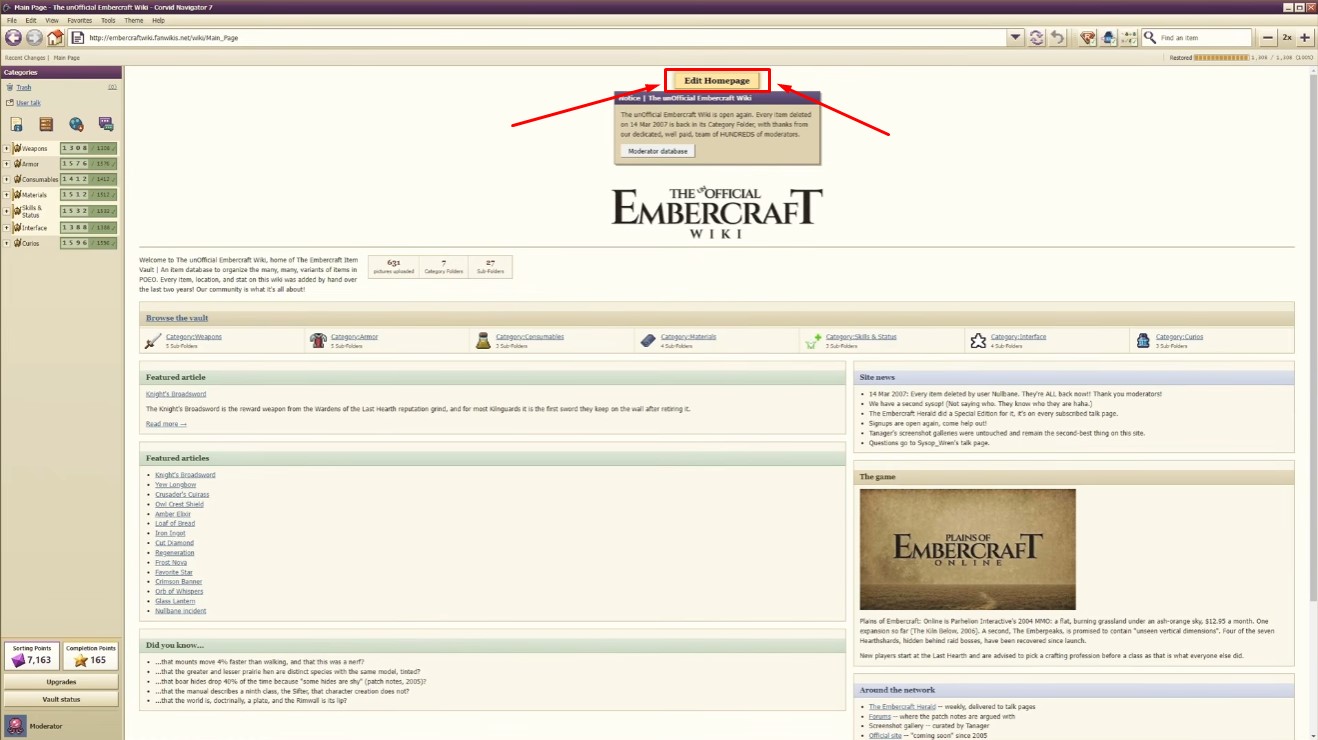
- Scroll to the bottom and type robin into the empty field.
Conclusion
That covers all 29 achievements in Deleted Wiki: Clean Up the Lost Files. Check your talk page often, poke around the whole wiki instead of just the log, and the hidden ones will mostly fall into place.


