
... content here ...
... more content ...
Brief guide to use Reshade to replace the washed out colours of the game after marching fire expansion. Compatible with EAC.
1. Download Reshade
Download Reshade 3.08 (Needs to be this version otherwise it won’t be compatible with EAC) from the official mediafire repository here[reshade.me]
2. Installing Reshade
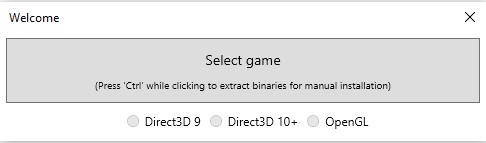
Open Reshade, Select the game (forhonor.exe) and the Direct3D 9 option
It’ll ask if you want to download some presets.
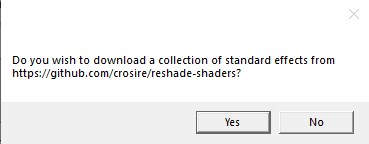
Choose “Yes” and only install the following ones:
- AdaptiveSharpen.fx
- AmbientLight.fx
- Curves.fx
- Filmgrain.fx
- LiftGammaGain.fx
- Tonemap.fx
- Vibrance.fx
Done
3. Configuration
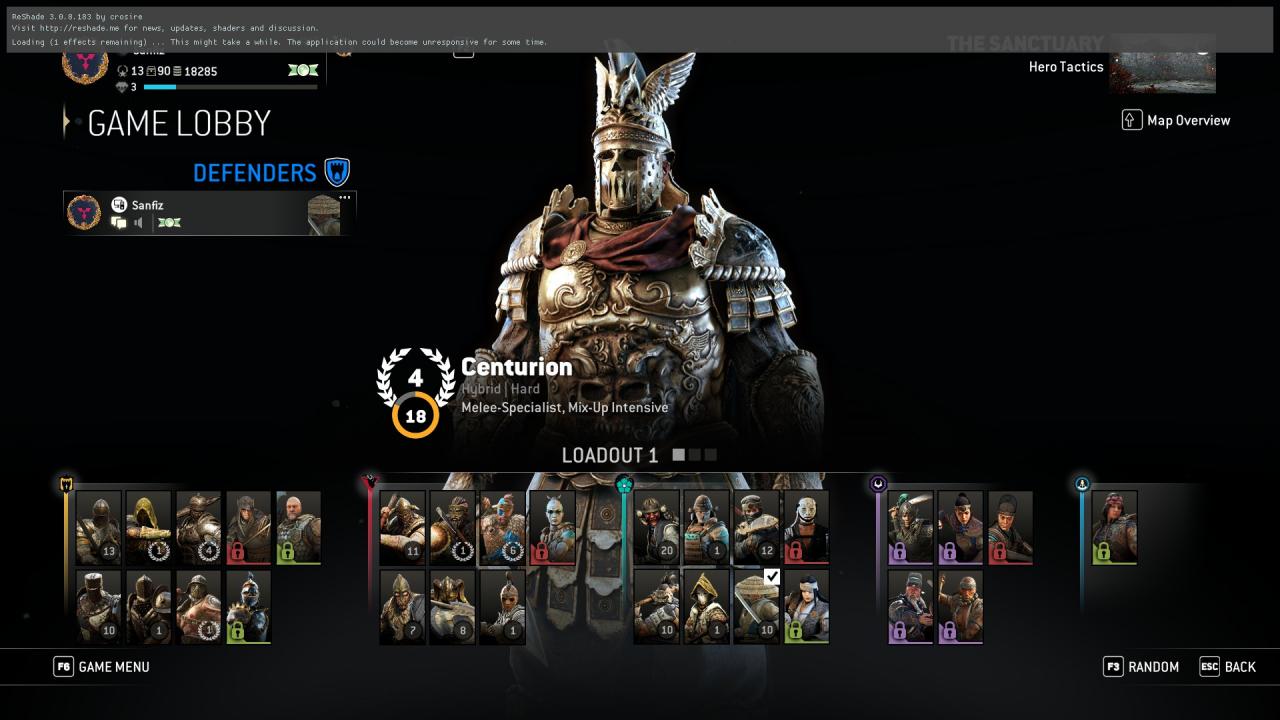
Open the game, you should see a banner similar to this above your screen.
... content here ...
... more content ...
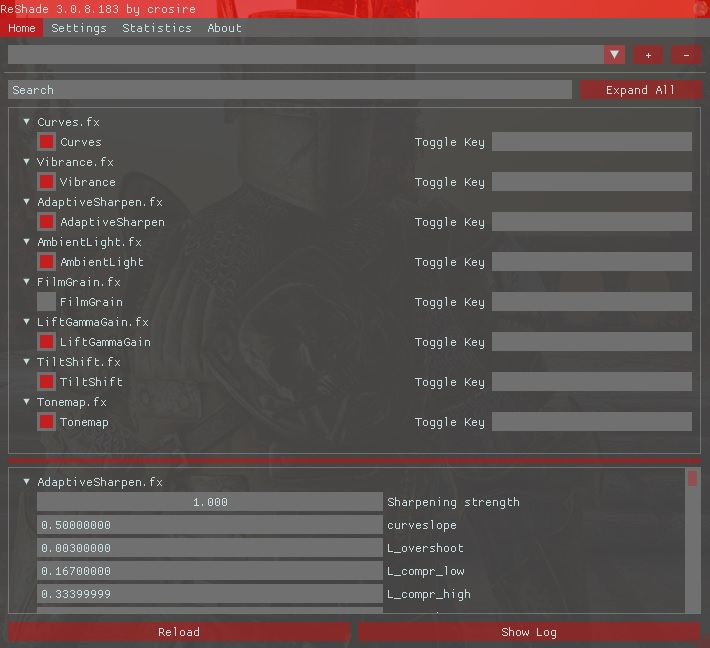
Now press Shift + F2 and change the settings as your preference.
Done
Before/After examples
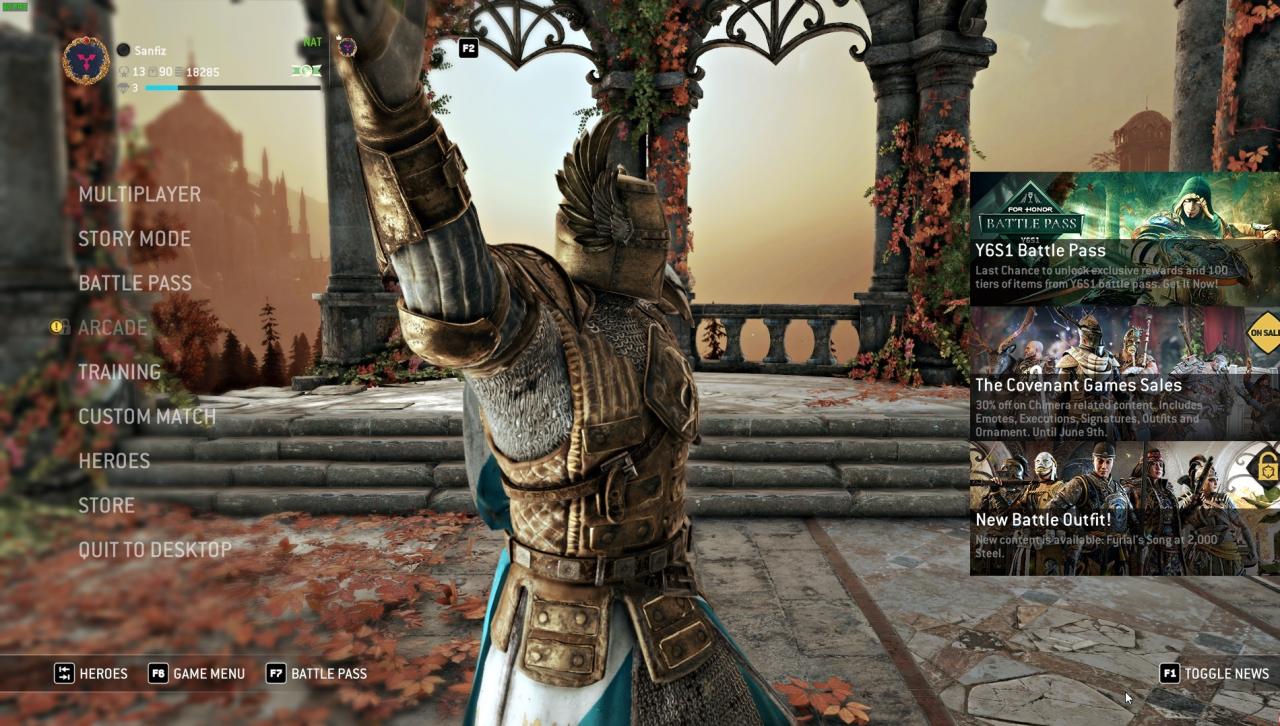
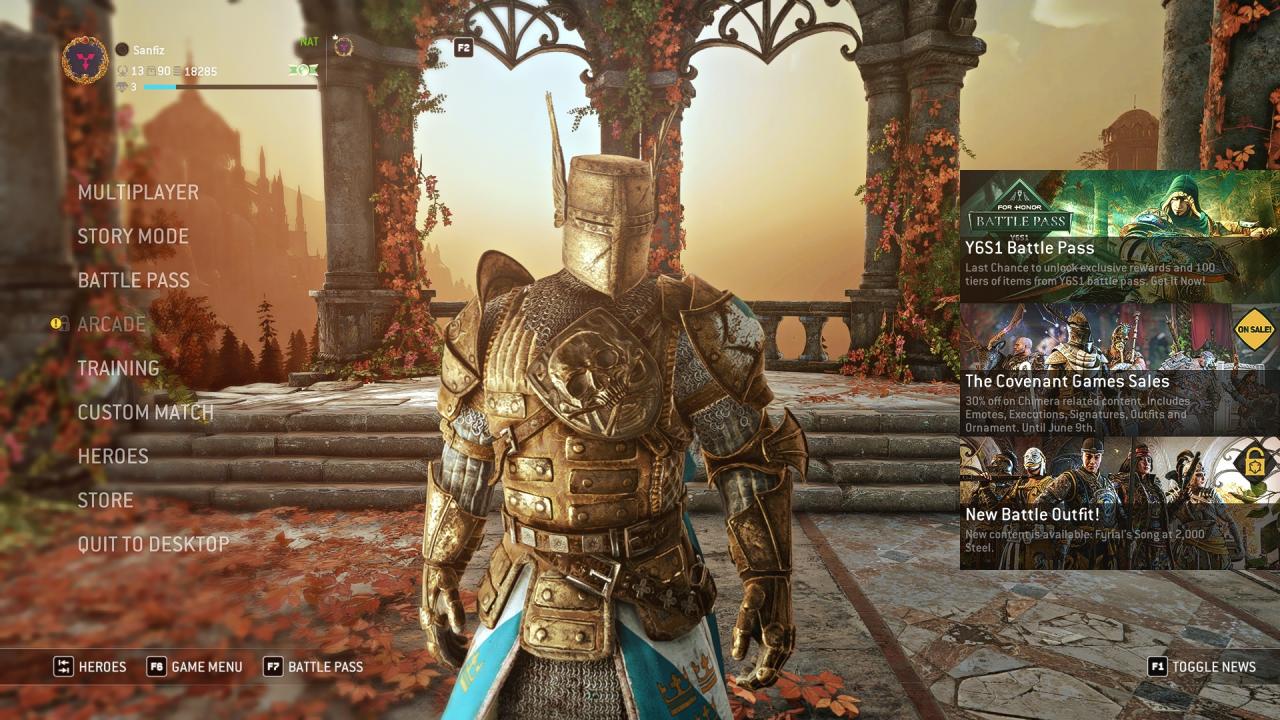
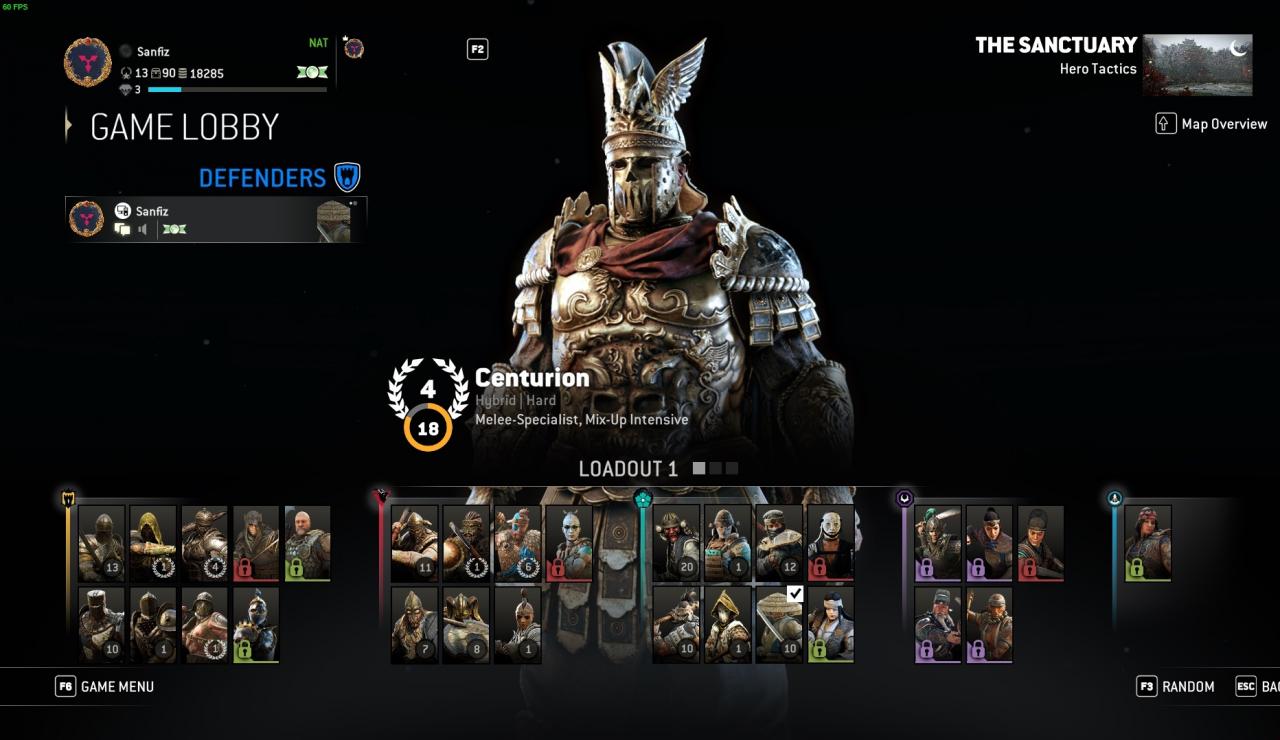
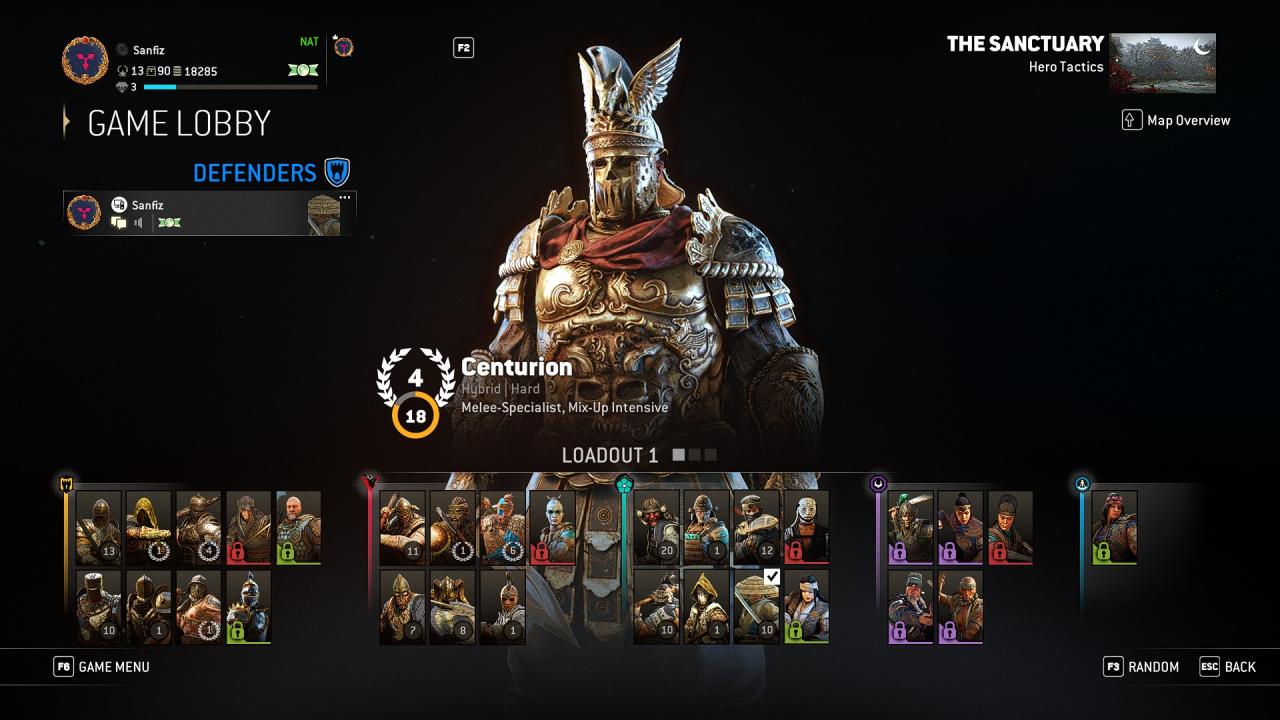
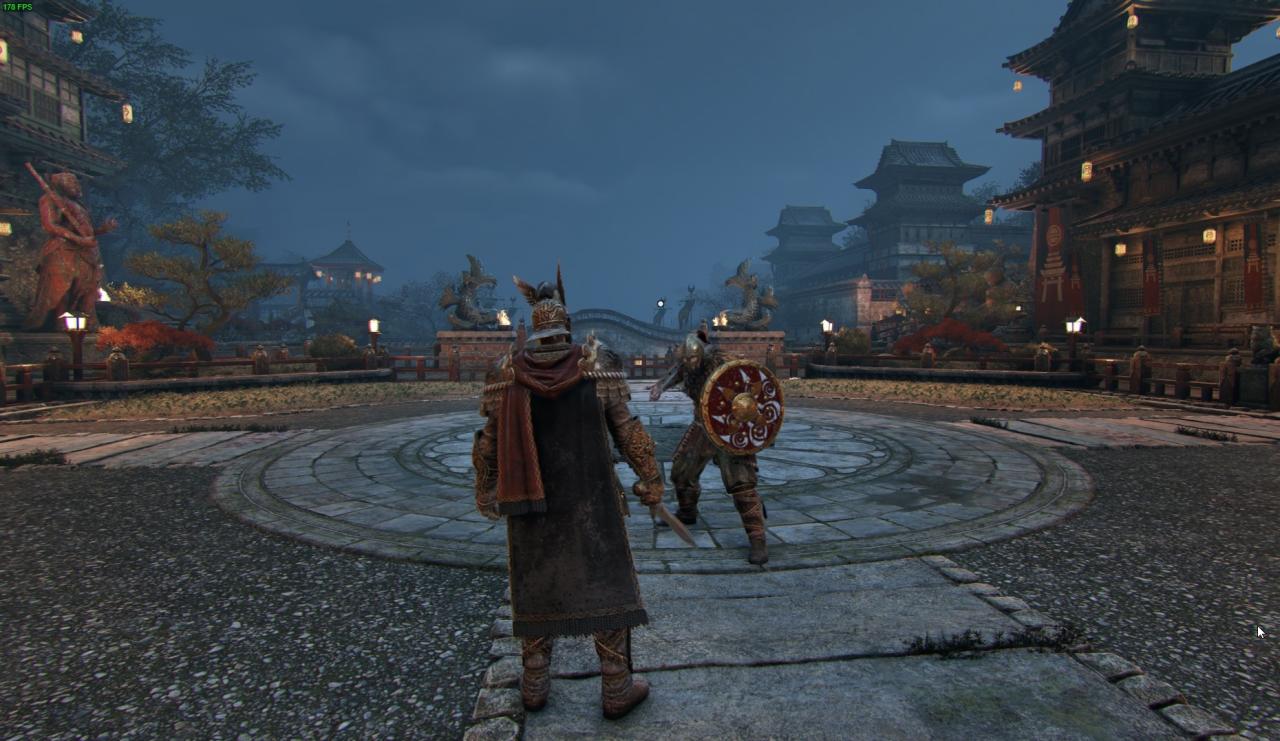
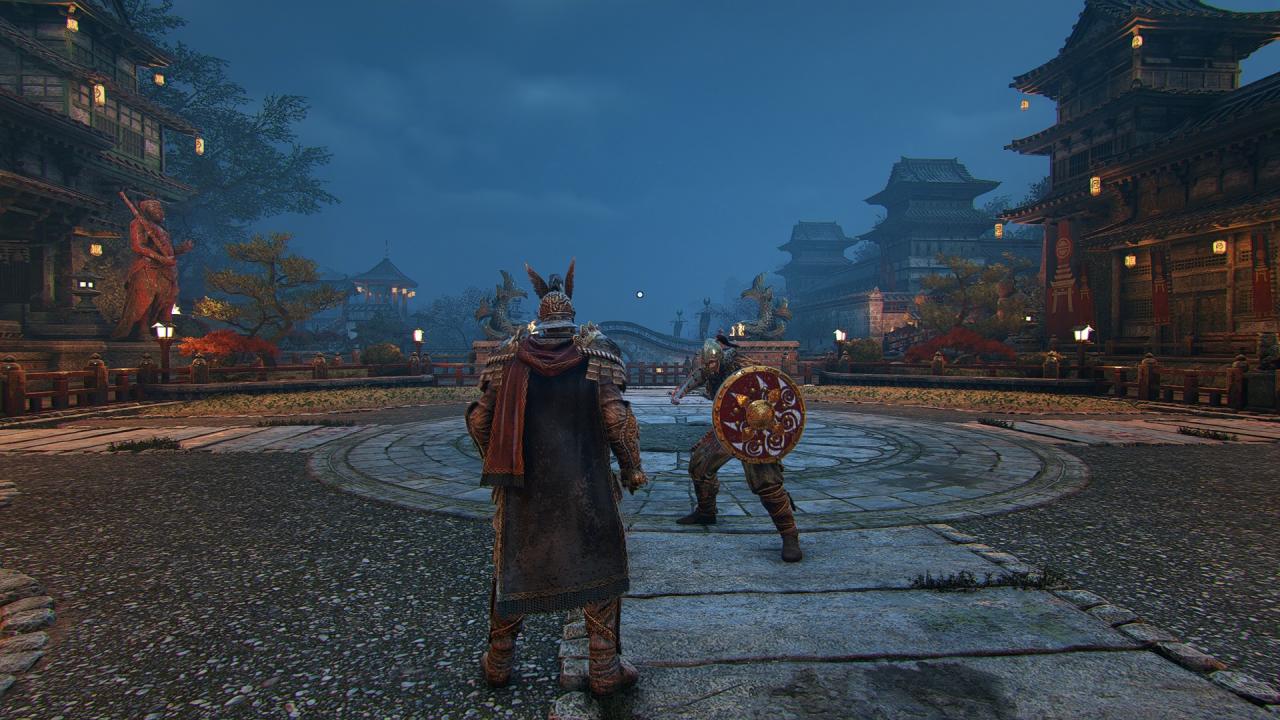
... content here ...
... more content ...


