
... content here ...
... more content ...
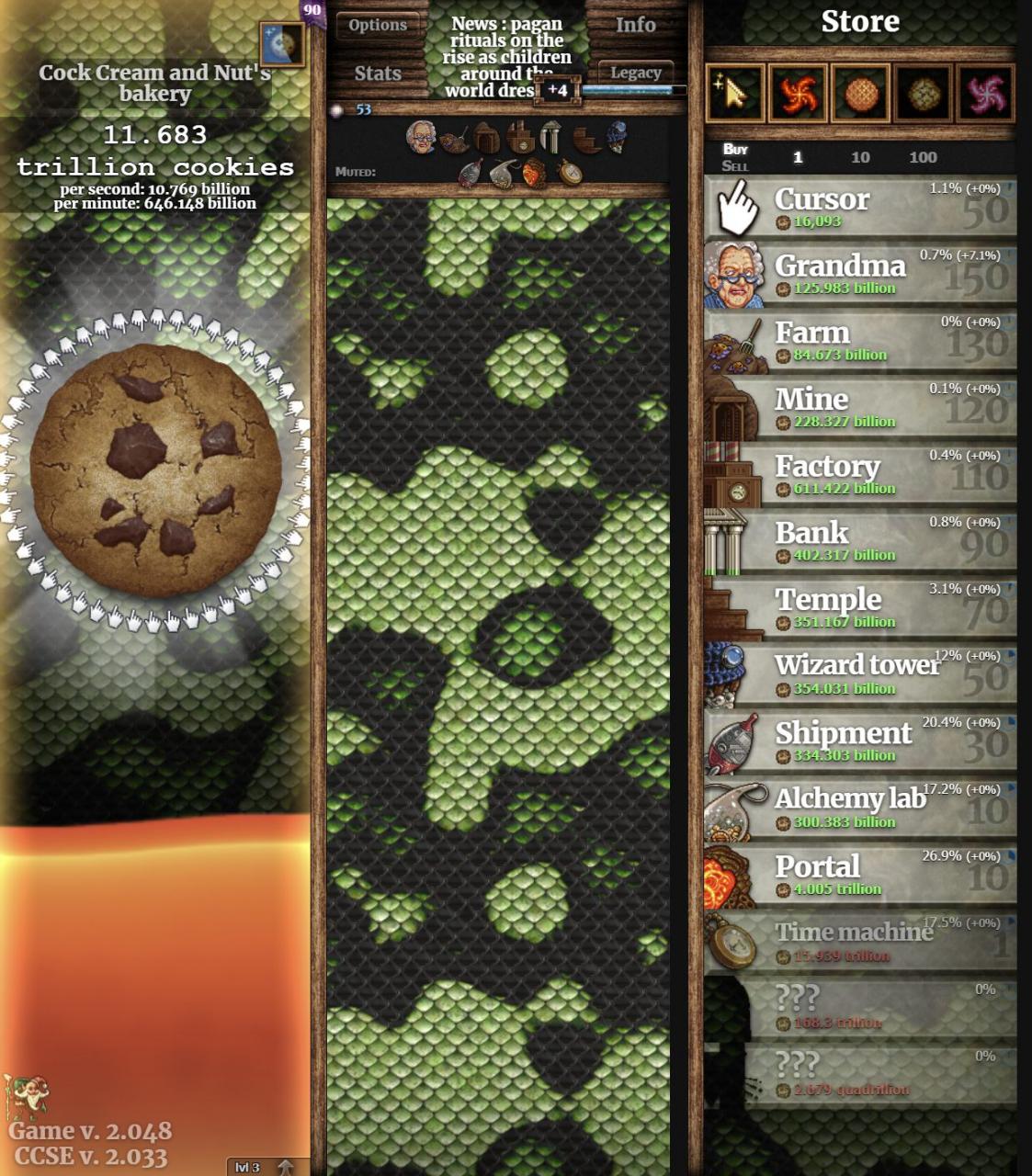
An easy but not really effective way to change the background.
How to Change Background Without Upgrade
1. Navigate to “?:\YOUR STEAM DIRECTORY\steamapps\common\Cookie Clicker\resources\app\src\img”
“?:\YOUR STEAM DIRECTORY\” above means your systems folder.
e.g. C:\Steam Library\
2. Find the image labelled “bgBlue.jpg”
3. Replace with a “.jpg” labelled “bgBlue.jpg”, note this will set the image in squares, best to use a “seamless” image. (I haven’t figured out how to set it be to a full image, sorry)
... content here ...
... more content ...
By FERC
More Guides:
- Cookie Clicker: How to Get the “Dunk the Cookie” Achievement on Steam
- Cookie Clicker: How to Find the Game Files
- Cookie Clicker: How to Get All Achievements with Cheat Mod
- Cookie Clicker: Quick Immediate Achievements
- Cookie Clicker: “Here You Go” Achievement Guide
... content here ...
... more content ...


